
As 3D printing continues to get cheaper and more accessible, now might be the right time for you to start too! The software is free and you’ve got nothing to lose! Let’s have some fun! I promise, you will especially enjoy 3D modeling and sculpting for cosplay!
You will love this program!
There are many different 3D modeling programs you can try. My personal favorite besides Blender is Fusion 360. If you’ve ever made anything out of EVA foam, wood or Worbla you will feel right at home here. I’m not a big fan of polygons – the little triangles used to create 3D models in most other programs – so I’m super happy Fusion offers an alternative way of creating. The process basically goes like this: First you create a blueprint (a flat side/top/front view of what you want to make). Then you pick a piece of your drawing and raise it up into the 3D space. You can set how thick this part should be and how far above your drawing it shall “float”. Then you pick the next piece and add or subtract it to/from your previous one. Rinse and repeat. Believe it or not, it’s really that simple!
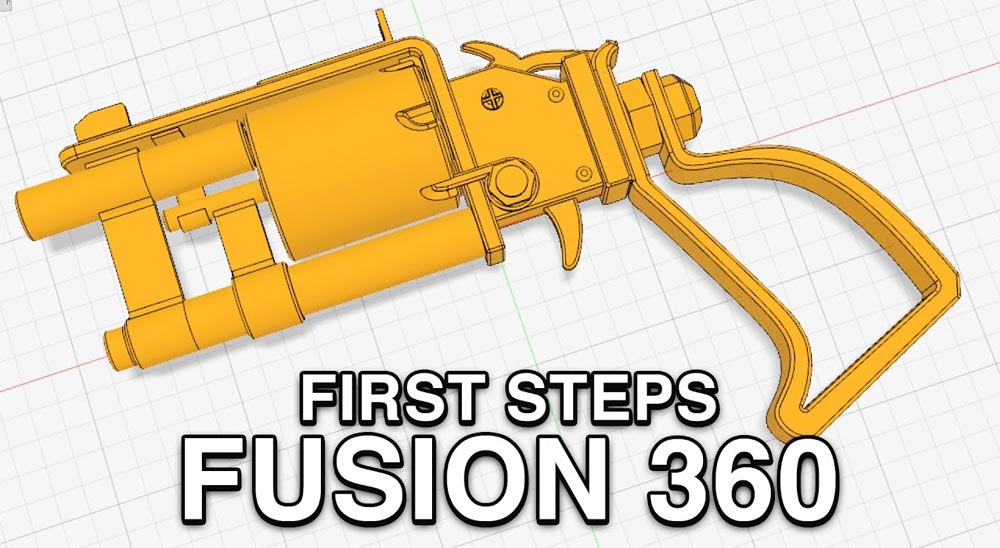
In the video below I show you how I created a full Fallout 4 prop in Fusion from scratch all the way to the final piece This was actually one of the first things I ever made in this program so without promising too much (I hope) you can expect similar results if you just give it a go.
You are currently viewing a placeholder content from YouTube. To access the actual content, click the button below. Please note that doing so will share data with third-party providers.
More Information3D modeling and printing is awesome for cosplay!
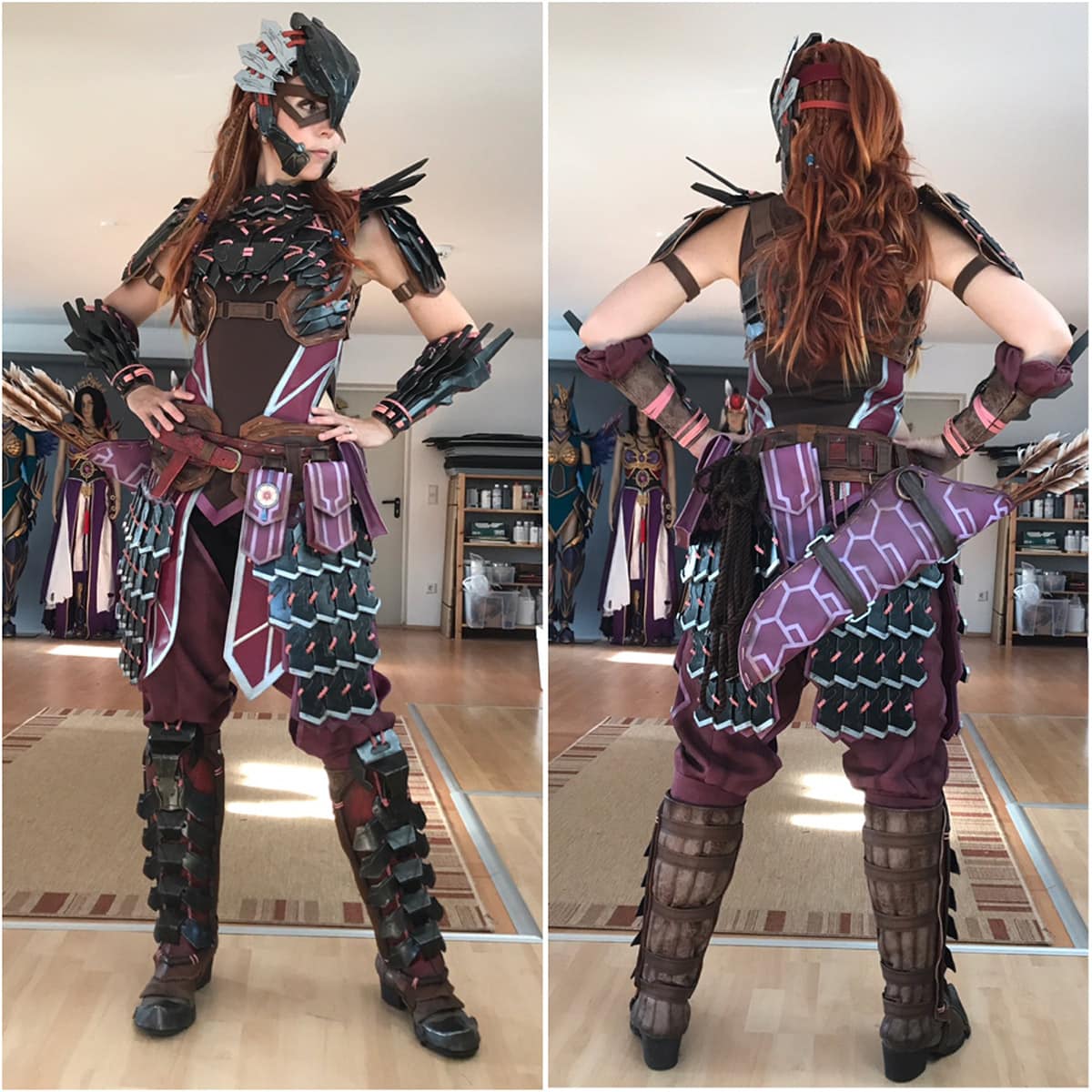
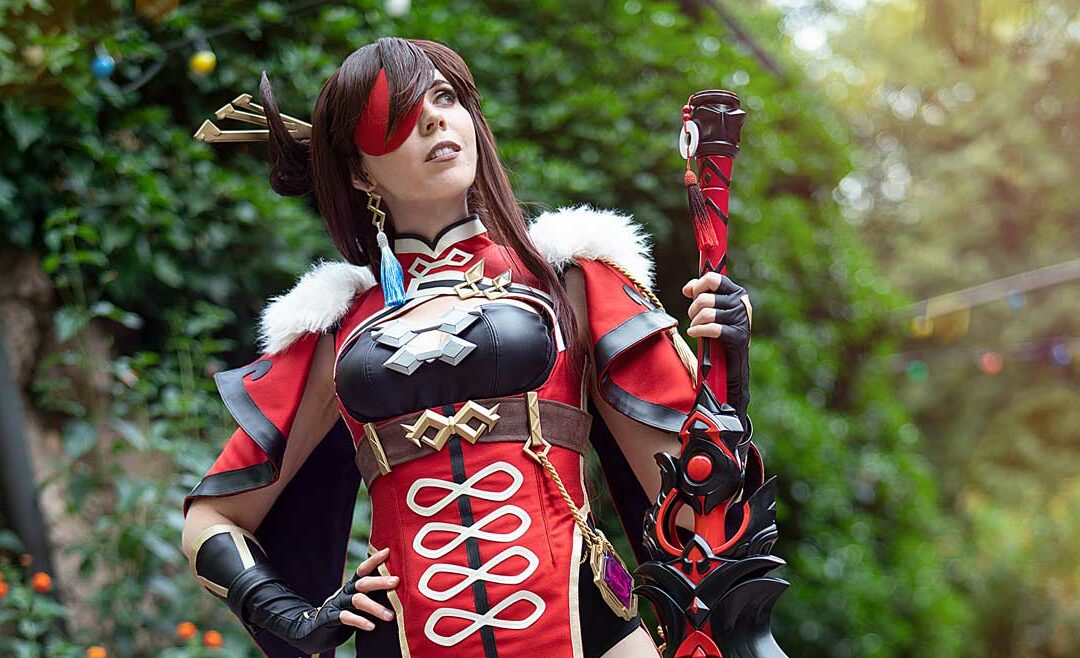
Here I used this same work process to create nearly every single armor piece for Svetlana’s Aloy costume from Horizon Zero Dawn. When doing something like this it’s very important to try and find an un-skewed view of the reference piece first. Since I had to start with a flat drawing every time, this was very helpful. Drawing everything from scratch works too but is a lot harder as you can imagine.
The important thing however is to try it out. Don’t give up when the program looks too complicated the first time around. You’ll get used to it quickly.
There is not much to lose but a lot to win. Fusion 360 is free for students or when you’re self employed and make less than 150k a year (great business model I think). If you want to dive even deeper though, just search for more YouTube tutorials. There are entire channels out there dedicated to teaching newcomers all about Fusion. I’m sure we’ll also write a 3D printing book eventually too! ;)
Which 3D printer is the best?
Now, you are probably curious about which is the right 3D printer for you, right? Luckily we also did a video about that! Here you see, it’s not really about finding the best machine with the most awesome printing results. However, it’s about figuring out what works best for you! I talk here a little bit about all the 3D printers we work with personally and also the different types available on the market. So if you are curious, check out my little review video. Little spoiler though: We are working with the M200 from Zortrax (a super old machine!), the No products found. and a No products found..
You are currently viewing a placeholder content from YouTube. To access the actual content, click the button below. Please note that doing so will share data with third-party providers.
More InformationWe use Amazon Affiliate links. If you buy something we might get a small commission. Thanks for your support! Learn more.






0 Comments